Messaging Accounts
Email accounts for messaging are set up under the Administration → Messaging → Messaging accounts menu structure.
Creating a new configuration
As a pre-requisite for OAuth authentication, you may refer to Office365 Modern Authentication - EmailTst
When creating a new Messaging Account, you can select from templates that provide the default settings for common services.
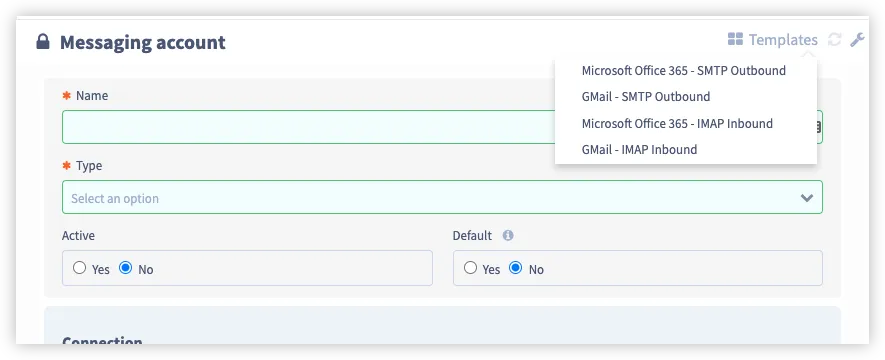
The form below shows a completed IMAP (Inbound) account.
Testing credentials
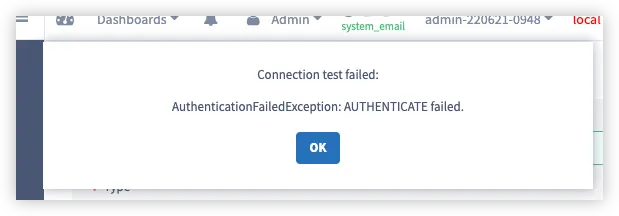
Once all the configuration data has been entered, press the ‘Test’ button to test the authentication. If the test was successful, you should see a popup banner at the bottom of the screen. If the test was unsuccessful, a message will be displayed outlining the response received from the server.
Troubleshooting
Here are some troubleshooting steps you can take should any of the scenarios below occurs:
Scenario | Troubleshooting steps |
|---|---|
Servicely not receiving emails |
|
Servicely not sending emails, e.g. Emails in the SystemEmail table are stuck in the “Ready” status |
|